
Bring your game files
Find ARENA2 in your own copy of Daggerfall. The original game is available free on Steam.
Find your filesClient preview · Bring your own ARENA2 files. Online play is not open yet.

Have your ARENA2 files ready.
The game only loads when you choose to begin.
WebGL2 required · No original game files included
Community multiplayer is not open yet. This client uses our own service configuration. Accounts, online play, and cloud recovery are pending deployment and verification.
View status ↗The game includes touch controls. If the keyboard, file picker, or fullscreen behaves unexpectedly inside the frame, use Open full page. Real-device gameplay verification is still pending.
PACK FOR THE JOURNEY
You bring the original game.
We help you find your way in.
Find ARENA2 in your own copy of Daggerfall. The original game is available free on Steam.
Find your filesChoose your files inside the game. No desktop client to install; your original data stays on your device.
Open the client aboveOur independent world is in development. Learn how accounts, progress, and meeting friends will work.
Read multiplayer guideBETTER WITH COMPANY
A friend in the same region. A familiar name by the gate. Our first milestone is simple: two real players sharing an adventure, with progress they can recover.
How our multiplayer will work ↗BEFORE YOU SET OUT
No upstream account sharing. No made-up player counts. Follow the status page for verified availability.
Check development status →A WORLD WORTH RETURNING TO
Scenes from the original game and Daggerfall Unity.
Reference images, not footage of our multiplayer service.
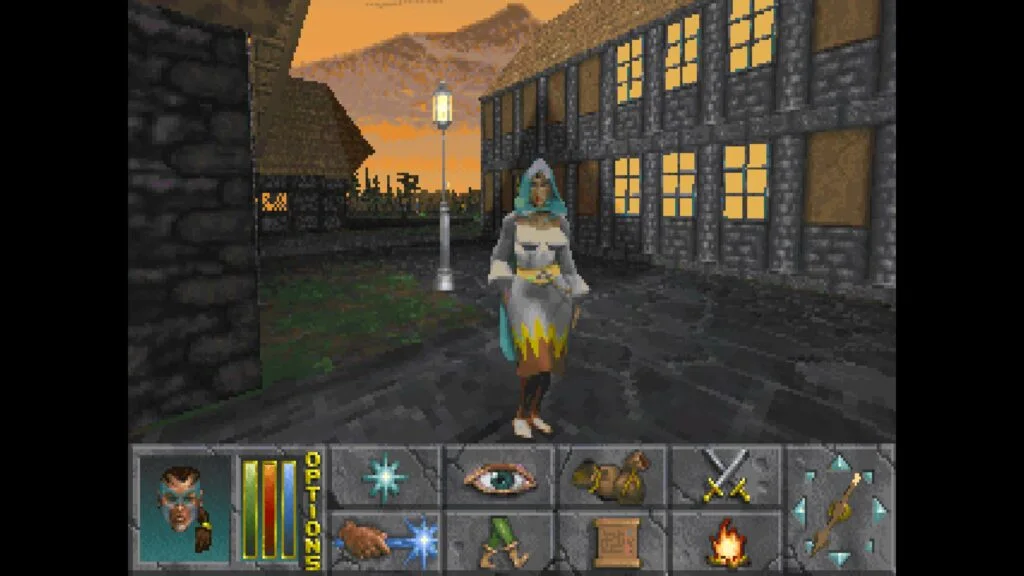
Wander between shops, stone walls, and the next conversation. Get your bearings before you set out.
Start your journey ↗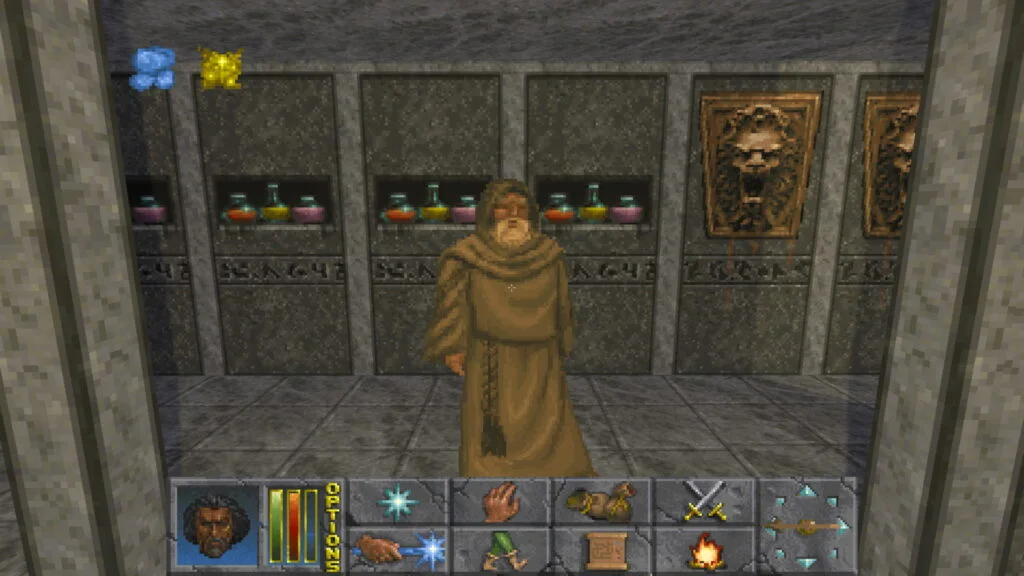
Learn the controls, keep your game files ready, and know where your progress lives.
Controls & troubleshooting ↗
Classic DOS, Daggerfall Unity, and this browser project share a history. Their features and saves differ.
Compare the versions ↗THE TRAVELLER’S HANDBOOK
A FEW THINGS TO KNOW
DFO Online is the open-source browser multiplayer project behind this client. If you searched for dfoonline, this is an independent Daggerfall Online integration, with separate service configuration and no shared upstream accounts. Our multiplayer service is not open yet.
No. This is an independent community project based on the open-source DFO Online client. We are not Bethesda, ZeniMax, or the upstream development team.
You need your own Daggerfall data files. The original is available free on Steam. Our client reads the files you select locally; we do not provide ARENA2.
Our independent multiplayer service is not open yet. Dual-device gameplay, saves, and recovery still need verification.
The client includes touch controls. Start in landscape and use Open full page if needed. Mobile compatibility is still being tested; desktop Chrome or Edge is the initial baseline.